

Instagram for Beginners: Share Your Photos
Upload photos, add captions that people will actually see, and discover why hashtags matter. It's simpler than you think.

Written by
Studionorthlight Editorial Team
Editorial Team focused on practical guidance for social media learners over forty.
Why Share on Instagram?
Instagram isn't just for teenagers and influencers anymore. It's become a real way for people to stay connected with family, share memories, and follow interests you care about. The good news? It's way less complicated than it looks.
Whether you want to share vacation photos with grandkids, document your hobbies, or simply see what friends are up to, Instagram gives you straightforward tools to do it. We'll walk you through the actual steps—no jargon, no confusion.
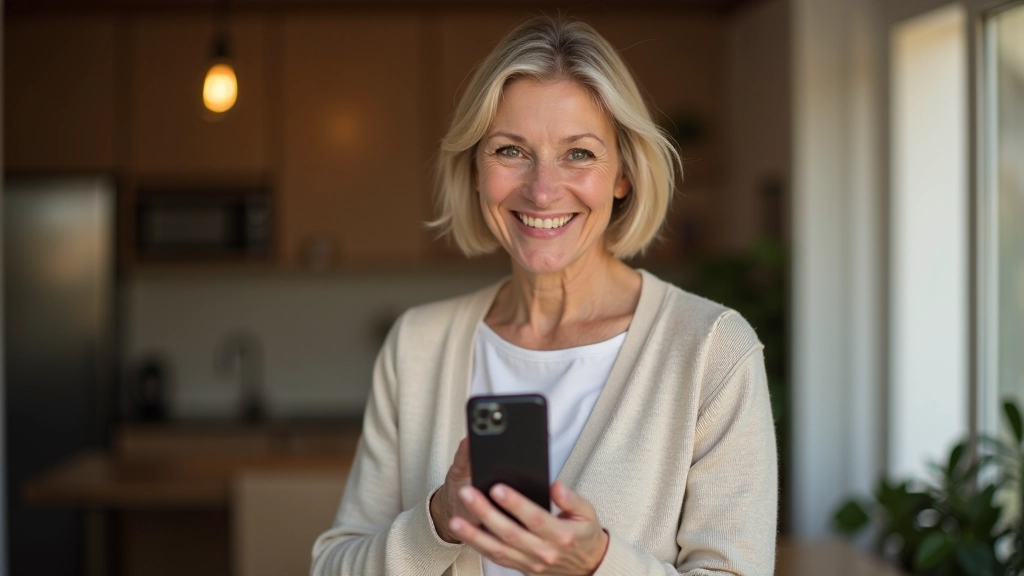
Uploading Your First Photo
The actual process takes less than a minute once you know where to look.
Open Instagram and Tap the Plus Icon
When you're on your home feed, look for the plus sign (+) at the bottom of your screen. It's usually in the middle of those five icons at the bottom. Tap it, and Instagram will ask you to choose a photo from your phone's camera roll or take a new one with your camera right there.
Select Your Photo and Adjust If You Want
Instagram gives you editing tools right there—you can adjust brightness, add filters, or crop the photo. But here's the thing: you don't need to. A clear, well-lit photo from your phone works great. If the lighting's a bit off, you can brighten it with the slider. Most people don't bother with filters, and that's totally fine.

Write a Caption That Matters
This is where you tell the story. Your caption's what people actually read—it's the text that goes with your photo. You could write something simple like "Coffee and a good book this afternoon" or go longer if you want. Instagram lets you use up to 2,200 characters, so you've got plenty of room. The best captions are genuine—just say what you actually mean.
Understanding Hashtags
Hashtags are those words with a # in front of them. They're like digital filing systems. When you use #GardenLife or #BookstoreCoffee, your photo gets grouped with thousands of other photos using the same hashtag. This is how people discover your photos who don't already follow you.
You don't need dozens of hashtags. Three to five relevant ones work perfectly. If you're sharing a photo of your garden, try #HomeGarden, #GardeningLife, #FlowerGarden. That's it. Instagram will actually penalize you if you use too many hashtags (over 30) or use the same ones constantly—it looks spammy. The sweet spot is 3-10 hashtags, picked for actual relevance.
Pro tip: Don't put hashtags in your caption where they disrupt the flow. Add them in the first comment instead. Tap your photo after posting, then tap the comment icon, and paste your hashtags there. It keeps your caption clean and readable.

Getting Your Photos Seen
Use Good Lighting
The difference between a blurry photo and a clear one usually comes down to light. Natural daylight is your friend. Take photos near a window or outside. Avoid harsh shadows across faces. If it's too dark, move to a brighter spot.
Post Consistently
You don't need to post every day. But if you post once a week on the same day, people start to expect it. They'll check your profile on that day. Even one photo every other week is better than posting randomly.
Engage With Others
When someone likes your photo, go look at their profile. Leave a genuine comment on their posts. It's not about getting likes back—it's about actually connecting. People notice when you engage, and they're more likely to follow and engage with you too.
Timing Matters (But Not as Much as Content)
There's a lot of talk about posting at the "best time." Reality: post when it works for you. Your genuine followers will see it regardless. The algorithm now prioritizes engagement over timing, so a post that gets comments and likes will show up in more feeds even if it's hours old.
Share What You Actually Care About
The photos that perform best are the ones where you're genuinely interested in the subject. If you love gardening, share that. If you're into cooking, post your meals. People can tell when you actually care, and that authenticity is magnetic.
Don't Worry About Perfection
Your phone camera is already excellent. You don't need fancy equipment or filters. A simple, clear photo of something you care about will always outperform an overly edited image that doesn't feel real.
You're Ready to Share
That's really all there is to uploading and sharing photos on Instagram. Pick a photo you like, write something honest about it, add a few relevant hashtags, and post. Don't overthink it. The people who follow you want to see what you're up to—they're interested in your life, not a perfect performance.
Start with one post. See how it feels. You'll probably find that once you share that first photo, the next one becomes easier. And before long, you'll have a nice collection of memories shared with people you care about. That's what Instagram's actually for.
Please note: Individual learning outcomes vary from person to person. Instagram features and interface may change over time. This guide reflects the platform as of July 2026. For the most current information, visit Instagram's official help center or settings within your account.
Continue Learning

Getting Started with Facebook
Walk through creating an account, finding friends, and understanding what you're looking at.

Understanding YouTube: Watching and Subscribing
Find channels you love, subscribe without missing updates, and learn why recommendations work.

Sharing Content: Posts, Comments, and Staying Safe
Learn how to write posts that people will see, comment respectfully, and protect your privacy.