

Getting Started with Facebook
Walk through creating an account, finding friends, and understanding what you're looking at on the screen.

Learn how to write posts that people will see, comment respectfully, and protect your personal information. Safety comes first.

Written by the studionorthlight editorial team, focused on practical, easy-to-follow guidance for social media learners over forty.
Sharing on social media isn't just about broadcasting your thoughts. It's about connecting with people you care about, staying informed, and building genuine relationships. When you post thoughtfully and comment respectfully, you're part of a community that's more interesting and supportive.
But here's the thing — you'll want to be intentional about what you share and how you share it. Not everything needs to be public. And not every comment deserves a response. We'll walk through the practical side of sharing so you feel confident without worrying constantly about privacy.
The Facebook algorithm — and Instagram's and YouTube's too — decides what appears in your friends' feeds. It's not like the old days where everything you posted showed up chronologically. Today, the platform prioritizes posts that get engagement: comments, shares, reactions.
This doesn't mean you need to be clever or write long captions. It means being genuine. A simple photo with a real question ("What did you have for lunch today?") performs better than trying too hard. People respond to authenticity.
Start with what matters to you. Share a photo from your weekend. Post about something you learned. Ask for advice. The specificity is what makes posts interesting. "Had a great day" gets lost. "Finally figured out how to make sourdough bread — only took 15 tries!" gets responses.
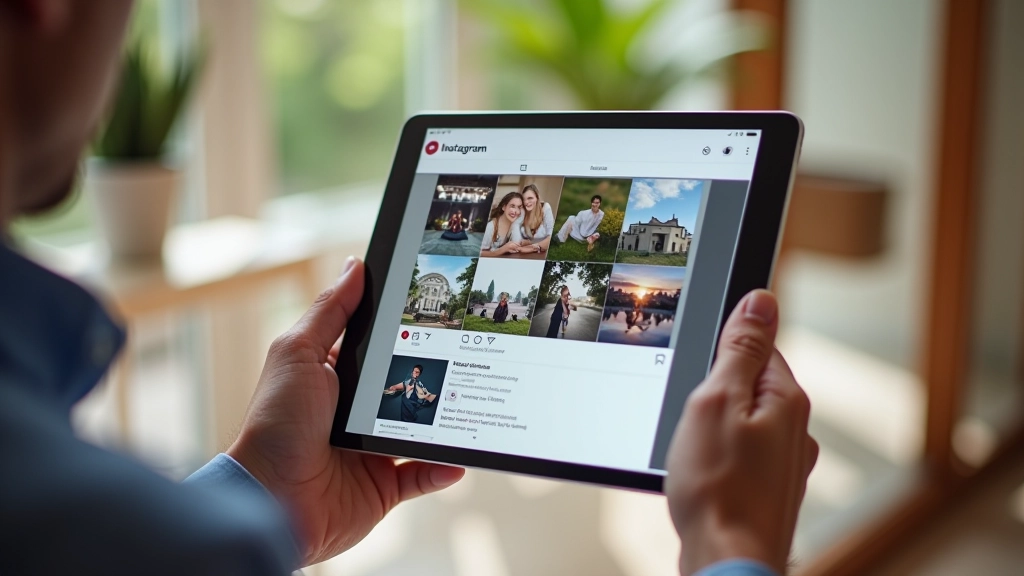

Comments are where real conversation happens. You're not just reacting — you're joining a discussion. The good news? You don't need to overthink it. But there are a few things that help comments be actually valuable instead of just noise.
Read the whole post before commenting. Sometimes people answer their own questions by the end, or there's context you'll miss if you just skim. If someone's sharing something personal, acknowledge that. A genuine "I've been through something similar" matters more than a generic "nice photo."
Disagreement is fine — that's where real discussions come from. But there's a difference between disagreeing and being disagreeable. If you're going to push back on someone's opinion, do it with curiosity, not hostility. "I see what you mean, but have you considered..." works better than "You're wrong."
Privacy isn't about hiding — it's about control. You get to decide what's public and what stays private. The tricky part is that social media makes it easy to overshare without realizing it.
Don't post your full birth date, home address, or phone number publicly. Scammers use this information to target people, especially older adults. If you're posting about travel plans, don't announce that your house is empty while you're away. Share the photos after you're back home.
Check your privacy settings regularly. On Facebook, you can control who sees each post individually. Instagram lets you make your account private so only approved followers see your posts. YouTube lets you keep videos private or unlisted. Spend 10 minutes adjusting these settings — it makes a real difference.
Financial information is especially sensitive. Never post about winning money, inheritance, or significant purchases publicly. Criminals monitor for this stuff. And if someone asks for money in comments — even if they claim to be a friend — that's almost always a scam.
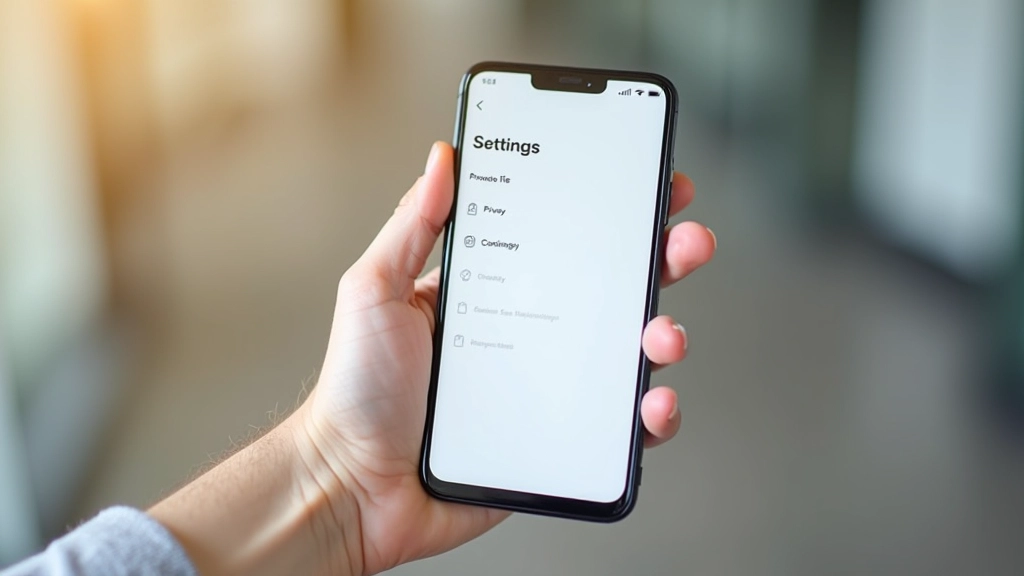
Before you hit "share," ask yourself these questions
If you wouldn't tell a stranger this information face-to-face, reconsider posting it publicly online.
Use the privacy controls. You don't have to share everything with everyone.
If you're angry or upset, wait an hour before posting or commenting. You'll probably feel differently.
Avoid posting things that shame, embarrass, or attack someone — even as a joke.
Nothing's truly private once it's online. If it makes you uncomfortable going wide, don't post it.
Legitimate companies and friends won't ask for passwords, payment info, or sensitive details via comments.
Sharing on social media should feel good, not stressful. You're connecting with people, sharing moments, and being part of communities that matter to you. The safest approach is also the most authentic one: be thoughtful about what you share, respectful in how you engage, and protective of the information that really matters.
You don't need to be perfect. You'll probably post something and immediately wish you'd worded it differently — that's normal. The beauty of social media is that you're in control. You can delete posts, edit comments, and adjust your privacy settings anytime. Start small, build confidence, and enjoy connecting.
Explore other guides in our social media basics series to deepen your understanding of Facebook, Instagram, and YouTube.
Back to Social Media BasicsIndividual learning outcomes vary from person to person. Social media platforms update their features and policies regularly. The information in this guide reflects current practices as of July 2026, but always check your platform's official help section for the most up-to-date information. If you encounter any concerning activity or suspect fraud, report it directly to the platform using their built-in reporting tools.
Walk through creating an account, finding friends, and understanding what you're looking at on the screen.

Upload photos, add captions that people will actually see, and discover why hashtags matter.

Find channels you love, subscribe without missing updates, and learn why recommendations appear the way they do.